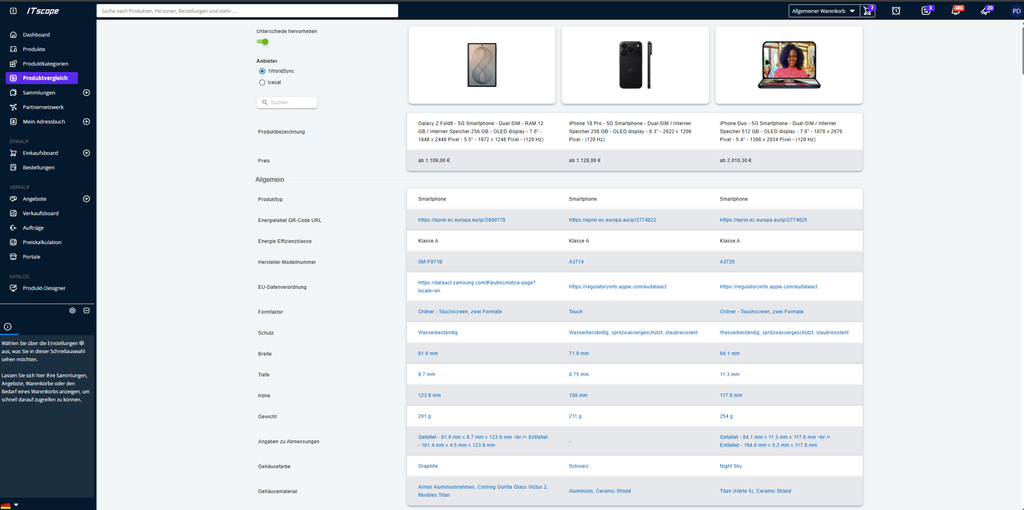
The product comparison feature allows you to clearly compare up to 5 products at once based on technical specifications, availability, and other relevant product information, making it easier to make purchasing or quotation decisions.
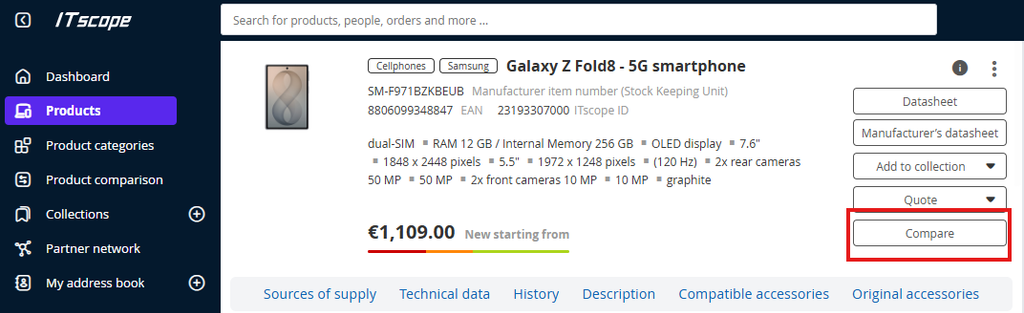
You can add items to the product comparison from the product page by clicking the “Compare” button.
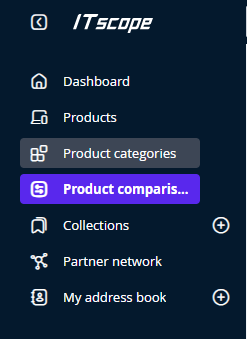
You can then access the product comparison by clicking the arrow icon at the top of the taskbar or on the left side of the page menu.
Alternatively, you can use the search bar on the product comparison page to add more items to the comparison.

Here, you can now view the technical specifications side by side.
You can choose between content data from 1WorldSync or Icecat.
Use the “Highlight Differences” slider to highlight these differences in color.
Once you’ve decided on an item, you can add it to your cart by clicking the corresponding icon.
In the same way, you can remove products from the product comparison by clicking the “X” icon.