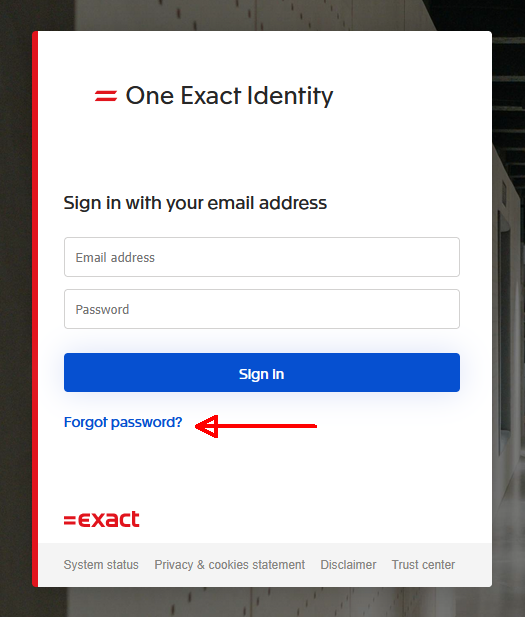
If you have forgotten your password, navigate to https://www.itscope.com/en/
In the upper right-hand corner, select ‘Login‘ and then ‘Forgot password?“.
You will be asked to enter your login email.
Once you have entered your login email address, you will receive instructions to reset your login information via email.